

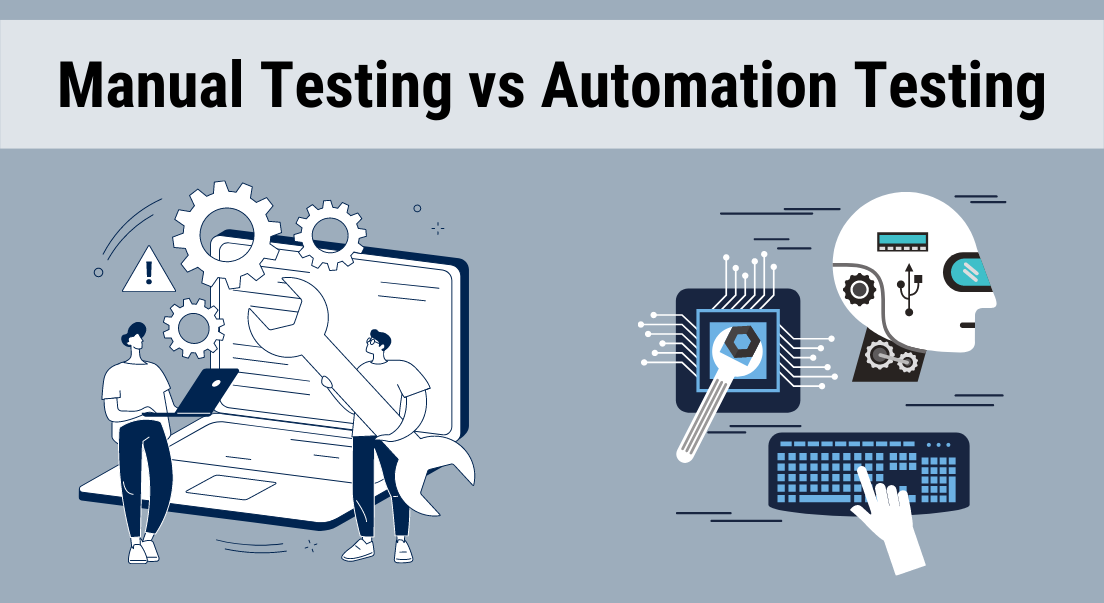
Software testing has changed a lot in recent years, and now every product team focuses on faster delivery with stable performance. Meanwhile, users demand good experiences and thus, testing would not be overlooked at any point. Due to this, there is a greater degree of practicality, as opposed to theoretical discussion, around Manual vs Automation Testing. In addition, firms spend much of their budget on testing with an aim of minimizing defects and enhancing reliability. Manual testing can give actual user experience but automation testing is fast and reliable.
Thus, the awareness of the two methods assists teams in developing enhanced testing strategies. Moreover, in conditions of combining the two approaches in a right manner, the teams minimize risks and enhance the quality of the total product. This is because understanding the distinction between Manual vs Automation Testing is crucial to the learning of developers, testers as well as product managers.
Manual vs Automation Testing: Key Differences Explained
Comparing Manual vs Automation Testing, we observe that both approaches have solutions to various software testing issues. In manual testing, it is human effort-based and in automation testing, it is script and tool-based testing. However, the aim of both approaches is to get the application to perform well in various circumstances.
| Testing Aspect | Manual Testing Insight | Automation Testing Advantage |
| Speed | Slower because humans execute each step | Faster due to automated scripts |
| Accuracy | Depends on tester attention | High accuracy with consistent execution |
| Cost | Lower initial cost | Higher setup but cost-effective long-term |
| Flexibility | Highly adaptable | Limited to predefined scripts |
| Test Coverage | Limited due to time constraints | Wide coverage across platforms |
Additionally, manual testing is effective in cases where flexibility and observation is needed. Conversely, automation testing is suited to the situation when speed and repetition are of the essence. Hence, the selection of the appropriate approach will require the type of testing task. In most instances, teams have been using a combination of both to get improved results.
Understanding Manual Testing Approach in Real Scenarios
Manual tests are crucial in comprehending user interactions with a product. Testers also act manually and monitor the work of the system and detect problems according to the actual use. It is due to this that manual testing can be used to identify the issue of usability that can be missed out during tools testing.
Moreover, testers will be able to be creative when experimenting with features. As an example, they can experiment with unanticipated behavior to determine the reaction of the system. Consequently, user experience and quality of products is enhanced. Thus, manual testing still has its significance in the current development settings.
How Manual Testing Works in Practical Workflow?
Manual testing is a sequential process in which testers test features with actual interactions. The first step is to open the application and use various options. Thereafter, they do tasks such as typing in data, pressing buttons and checking results.
As an example, a tester can test a feature related to log-ins by providing both legitimate and non-legitimate credentials. The tester reports the problem in case the system does not work as expected or fails. This process can hence make sure that the application is appropriate in the eyes of the user.
Why choose Manual testing over Automation testing?
Manual testing is flexible enough and hence it is applicable to dynamic testing. As testers are able to adjust their course of action depending on the observations, they are able to discover the problems in a short period. Additionally, it does not need any programming skills and thus more individuals can be involved in testing.
Furthermore, testing in a manual fashion assists in analyzing design, usability and accessibility. These aspects must be man-made and they cannot be duplicated by automation. Thus, when user experience is most important, teams are more inclined to manual testing.
When to use Manual Testing effectively
The manual testing is most effective when the testing situations are not monotonous. Exploratory testing, and usability testing, as an example, are tests that involve human thoughts. Moreover, with small-scale projects, manual testing is preferred since it might not be essential to perform automation setups.
Moreover, manual testing will be helpful in situations when requirements are frequently changing. The testers are able to complete the validation of new features without script rewrites since they can easily adapt. That is why the use of manual testing is still topical in numerous cases.
Limitations of Manual Testing in Modern Projects
- It consumes more time, especially for large applications.
- It increases the chances of human error during repetitive tasks.
- It offers limited test coverage due to time constraints.
Understanding Automated Testing and Its Growing Importance
During its modern development automation testing has become an indispensable tool since it enhances the speed and accuracy. Teams do not repeat the same tests manually; they have scripts that run and execute the tests automatically. Subsequently, testing can be quicker and more accurate.
Besides, automation testing is used when manual testing is not feasible in big applications. It enables teams to test in real environments, a variety of devices, browsers, and environments at once. Hence, automation testing assists institutions in bringing products to the market more quickly.
How does Automated Testing work step by step?
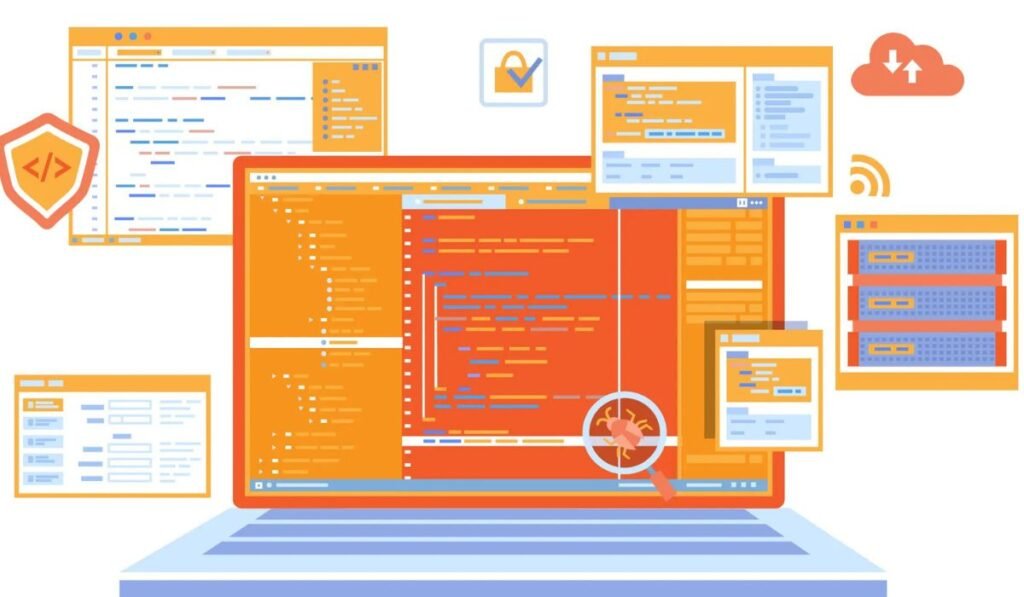
This section explains how automation testing progresses from planning to execution in a clear and structured workflow.
Step 1: Selecting the right testing tool
Tools are initially selected by teams depending on the nature of the application, supported platforms and the ability to integrate with systems they already have in place.
Step 2: Designing test strategy and scenarios
What needs to be automated is defined by testers who identify the repetitive and other essential workflows like the login, the checkout, or the API validation workflow.
Step 3: Writing and configuring test scripts
Automation engineers develop scripts based on frameworks and set them to execute amongst browsers, devices, or environments.
Step 4: Executing automated test cycles
Scripts will execute automatically, and may run concurrently, to test features at a speed accessible only via manual testing and in good reproducibility.
Step 5: Analyzing reports and fixing defects
Detailed reports indicate failures, performance problems, log that assist developers in addressing defects effectively.
Why choose Automated testing over Manual testing?
Automation testing is also time-saving because it can conduct tests faster. As scripts are automatic, the teams are able to test several scenarios simultaneously. Moreover, automation eliminates human error and hence enhances accuracy.
In addition, the scripts will be reusable in other cycles of testing. Thus, automation testing would be cost-efficient in the long term, particularly in big projects.
When to use Automated Testing for best results
Automation can be applied when the task to be performed is repetitive like regression testing. Automation conserves time and effort since these tests are carried out regularly. Moreover, performance and load testing need to be automated because of their complexities.
In addition, automation testing is beneficial when the team has a tight deadline. Thus, it favourable development cycles and gradual integration.
Limitations of Automated Testing in Real Environments
- It requires technical knowledge and initial setup effort.
- It may fail to detect usability or visual issues.
- It is not suitable for one-time or short-term testing tasks.
Can Automation Testing Replace Manual Testing Completely?
Automation testing can also substitute manual testing as many believe. However, this notion is false since the two methods are used to achieve various purposes. Automation is speed and consistency oriented, whereas manual testing is user experience oriented.
Besides, automation lacks knowledge of human behavior and flaws in design. So, we still use manual testing as a part of the usability and exploratory testing. This leads to the idea that rather than one team substituting another, both methods should be combined.
How to Integrate Manual Testing & Automated Testing Effectively?
A balanced approach is a mixture of testing that is both manual and automation in order to reach greater outcomes. To start with, test cases that need a human touch are determined by teams. They then automate repeat processes to conserve time. Moreover, it is better to run both of the methods asynchronously to increase the test coverage. Manual testing is to test new cases, and automation is to perform tedious work effectively. Thus, integration assists teams to produce quality software in less time. Thus, this mixed method will guarantee a high level of accuracy and efficiency.
| Testing Stage | Recommended Approach |
| Initial testing | Manual testing |
| Feature validation | Manual testing |
| Regression testing | Automation testing |
| Performance testing | Automation testing |
How To Switch From Manual Testing To Automation Testing?
Automation should be carefully planned when it comes to switching from manual testing to automation. The first step is that teams need to be familiar with their testing needs and the tasks that they repeat. Next, they are required to pick the tools that suit the requirements of their projects.
Secondly, training is also significant during this transition. Scripting and automation tools require Testers to learn how to utilize them. Thus, automation can be introduced in bits to allow the teams to become used to it gradually.
Manual vs Automation Testing: Which is the better choice
Manual and Automation Testing are sometimes associated with confusion due to the merits the two have to say. Manual testing provides flexibility and insider knowledge and automation testing is fast and can be done on a larger scale. Hence, whether one should choose better or not will be dependent on the project’s needs. The combination of the two approaches in most instances provides the optimum results. The teams are supposed to review their needs properly and select the appropriate approach.
Real Example of Manual vs Automation Testing in Action
In this part, the authors describe the ways in which both testing methods are used in a practical context and why teams hardly rely on one of the methods.
1. Mobile banking application usability testing
A QA team also navigates through the login, transfers and navigation flows manually to test the interactions between the user and the app and ensure that there is no confusion in the way the user uses the app.
2. Performance validation through automated scripts
Meanwhile, automated scripts will generate the load and response time of the server by pretending to be thousands of users logging in and making transactions.
3. Bug detection across both approaches
UI inconsistencies are discovered during manual testing, whereas performance bottlenecks and repeated failure in backend processes are recognized during automation.
4. Continuous improvement using combined feedback
Manual observations and automation reports are reviewed by teams, followed by prioritization of features to enhance stability and usability.
Conclusion:
The concept of Manual vs Automation Testing becomes clear when we understand their individual strengths and limitations. Manual testing is user concentration, and flexible concentration, whereas automation testing is speed control and correctness concentration. That is why the effectiveness of testing can be restricted in case of the usage of only one method.
Combining both methods in a strategic way leads to improved performance by the teams in real-world projects. Manual testing aids in checking whether there are any usability problems and automation testing to guarantee effective implementation of the repetitive process. Consequently, a balanced testing approach enhances the quality of products and lowers the risks of developing products.
Also Read About :- IoT Testing: The Backbone